
I use two tricks there. One, convert contours to shape to detect if they overlap or not (by getting the area of the intersection). The other is to multiply one contour pose by the inversed of the other contour pose to make them touch on an edge.
1 Like


I’ve been writing methods to convert ShapeContour, Segment2D and RectifiedContour and Shape to a VertexBuffer mesh. The first three can be converted with a variable width defined by your own function. The resulting mesh contains normals, texture coordinates and directions per vertex, which is what I used here to colorize the curves 
I’ll send soon a pull request with these changes.
2 Likes
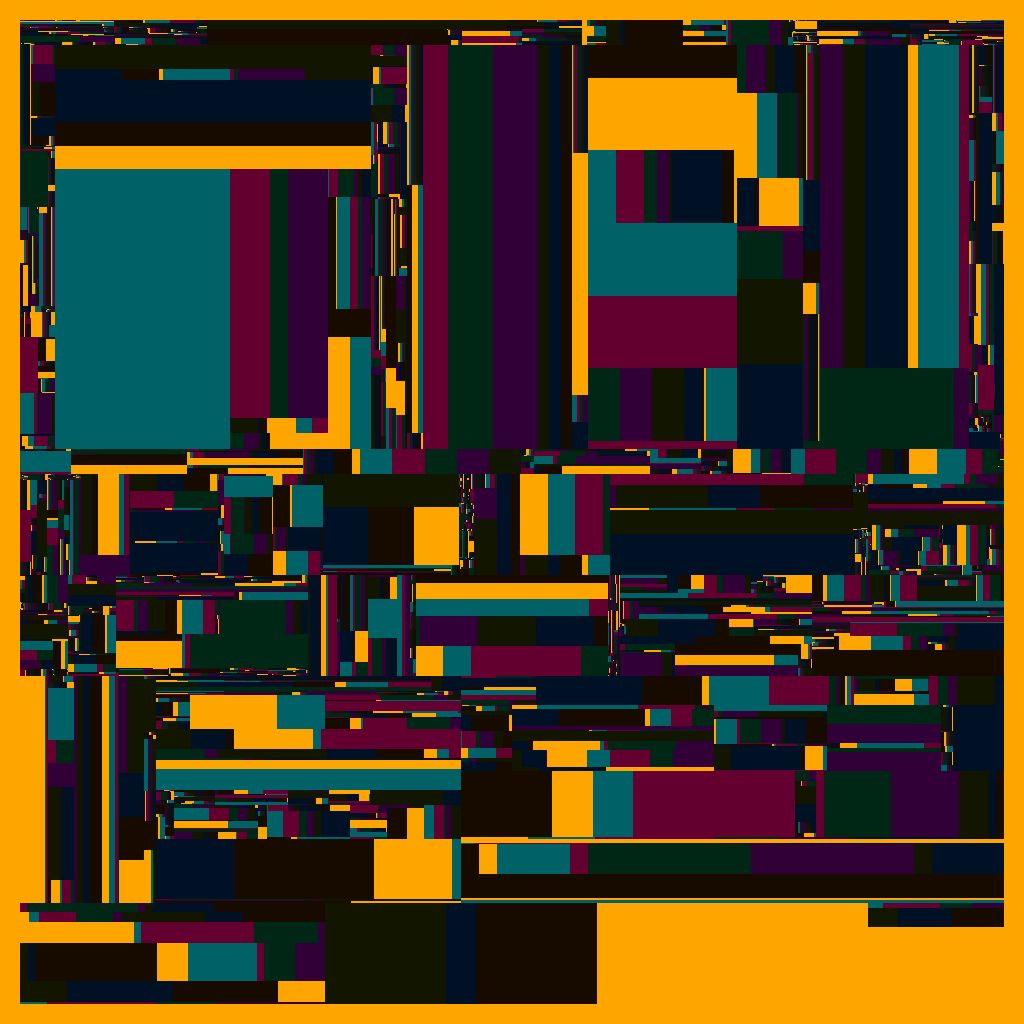


Simulating gradients. I was using orx-axidraw and the axi.groupStrokeColors()feature. I made it return the list of colors in the order they will be plotted, so I can display them and know what color is next. I also messed up once here (therefore the offset in the gold/blue): I pressed plot instead of resume, which started plotting on top of a previous design  . I will try to add a warning to orx-axidraw so this doesn’t happen again.
1 Like
A program I wrote during Saturday’s Creative Code Jam.
It’s inspired by the Hilbert Sort algorithm, and asking myself the question: in what ways would I manually sort a fixed list of points, while generating a contour and avoiding intersections?
I thought that if I try many times I can discover algorithms in my head, then convert them into code.
The program is about 200 lines long. Originally posted in Mastodon.

3 Likes
In recent times I’ve seen posts by @INCD021 exploring OPENRNDR. I’m sharing 4 of them here 
Looking forward to the next ones
1 Like
Have been hit by work, and life, so haven’t had much time. Hope to find some time soon, to go explore this new realm of art 
1 Like

An implementation of diffusion limited aggregation via compute shaders

1 Like
A study on Tarbell’s Circle Inversion

1 Like
Niceee! Was it hard to create? Is that a slow rendering process or real time?
The rendering time is not that slow, probably a couple of minutes.
I’ll to write a post later today describing the process and the code.
1 Like
A take on cellular automata.

2 Likes