Add gradient colors to lines

I drew a shape composed of many lines.

Can I add gradient to the lines going from the center to the edges?

I can’t change color of the lines separately. I draw them in a batch so they have to use the same drawer.

Therefore, I wonder if there are some alternative approaches. For example, can I use the lines (not the resulting shape they create) as a mask which exposes another image (with the gradient)?

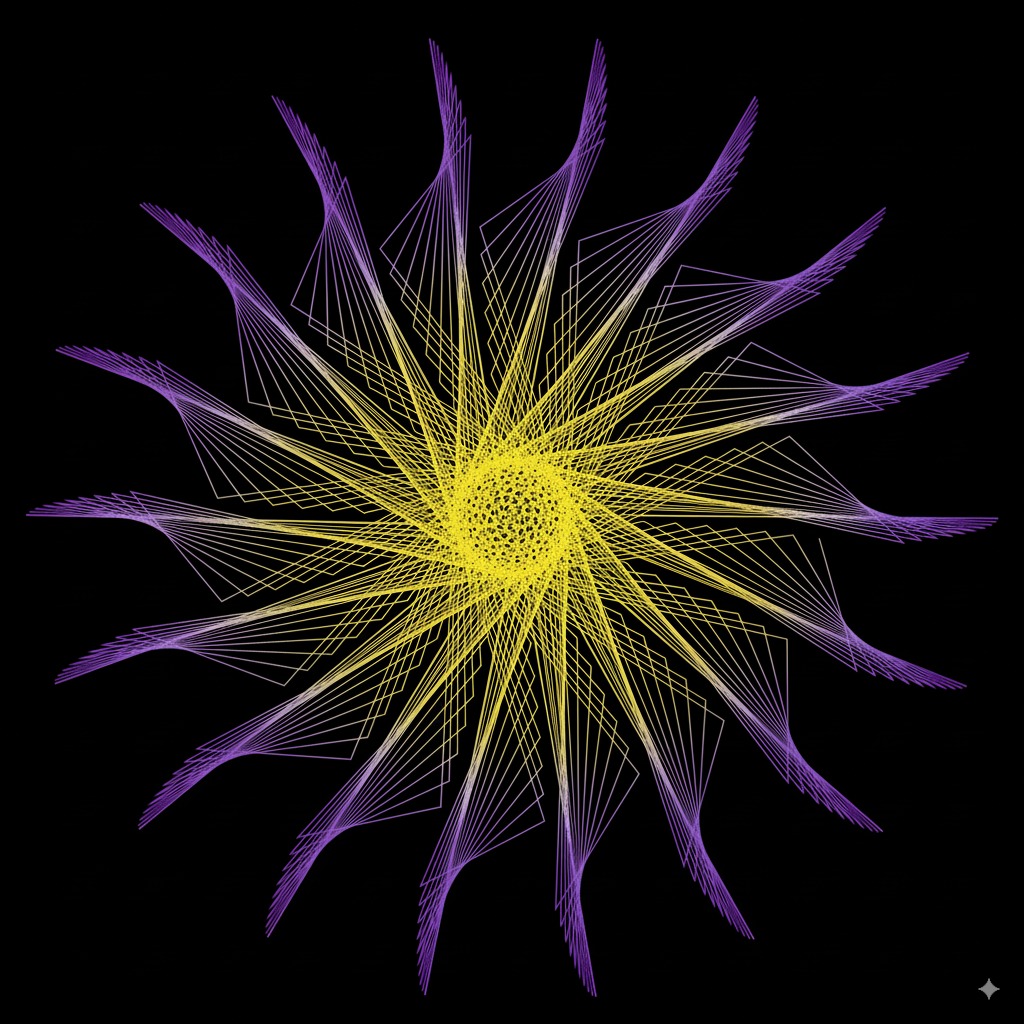
An example of what I’d like to achieve:

Hi! Sure, there are many ways to colour lines. You can apply shade styles to anything you draw.

One approach could be to use the position in pixels along the length of a contour (if you are using contours):

drawer.stroke = ColorRGBa.WHITE
drawer.shadeStyle = shadeStyle {
fragmentTransform = """
    vec3 a = vec3(1.0, 0.0, 0.2);
    vec3 b = vec3(0.0, 0.2, 1.0);
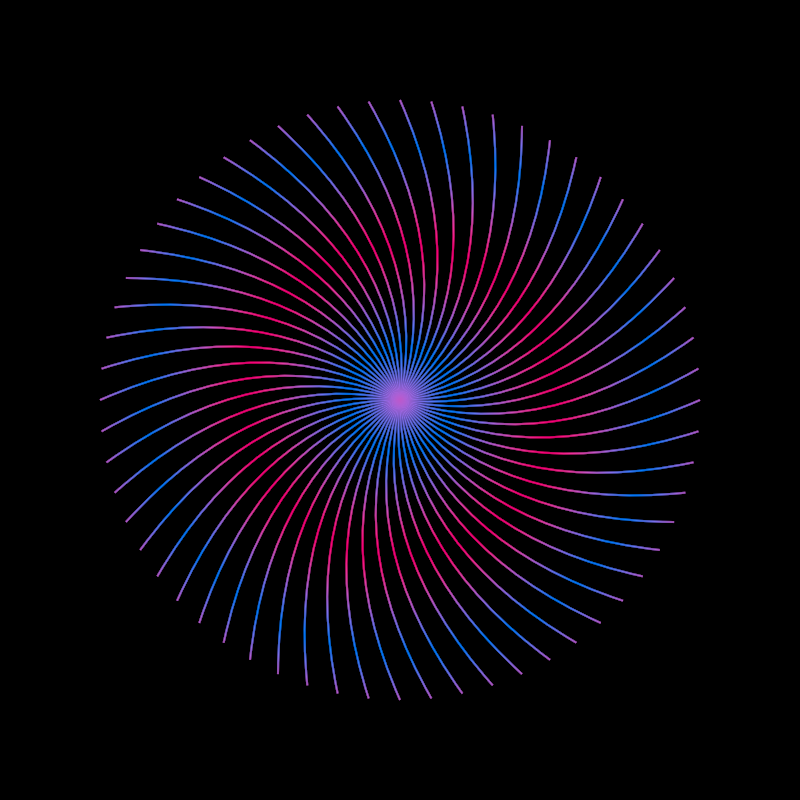
    float t = sin(c_contourPosition * 0.03) * 0.5 + 0.5;
    x_stroke.rgb = mix(a, b, t);
""".trimIndent()

Or you could calculate the color based on the clip space coordinates:

fragmentTransform = """
    vec3 c = sin(v_clipPosition.xyz * 5.0) * 0.5 + 0.5;
    x_stroke = vec4(c, 1.0);
""".trimIndent()

Then it’s just matter of playing with shader code.

Or work with images as you suggested, which you could load or generate yourself:

val img = loadImage("data/images/cheeta.jpg")
extend {
    drawer.stroke = ColorRGBa.WHITE
    drawer.shadeStyle = shadeStyle {
        fragmentTransform = """
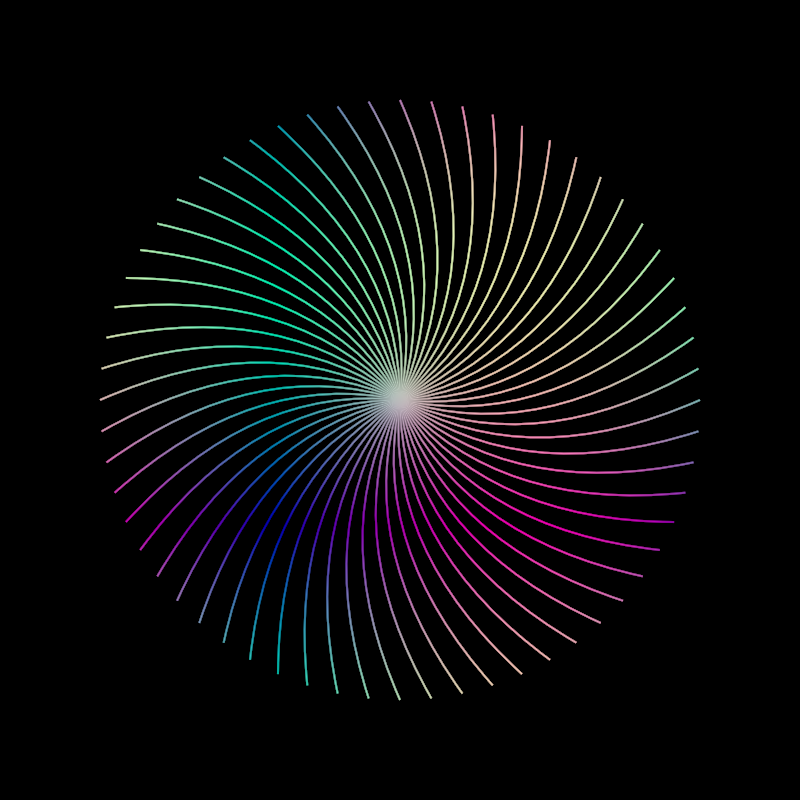
            x_stroke = texture(p_image, gl_FragCoord.xy / p_resolution);
        """.trimIndent()
        parameter("image", img)
        parameter("resolution", drawer.bounds.dimensions)
    }
    drawer.clear(ColorRGBa.BLACK)
    drawer.contours(contours)
}

By the way… there are many shade styles available in orx/orx-shade-styles at master · openrndr/orx · GitHub so you don’t need to write shaders yourself (many of them only available when using version 0.4.5).

I opened this issue to be able to apply those same shade styles to strokes, not only fills.

Meanwhile I just figured out a little hack:

val img = loadImage("data/images/cheeta.jpg")
val ss = imageFill { image = img }
ss.fragmentTransform = ss.fragmentTransform?.replace("x_fill", "x_stroke")

Here I load an image and use the new imageFill shade style which works for fills only. But then in the next line I replace any mentions of x_fill to x_stroke and voilá! Now the style applies to lines instead :slight_smile: